先上效果图
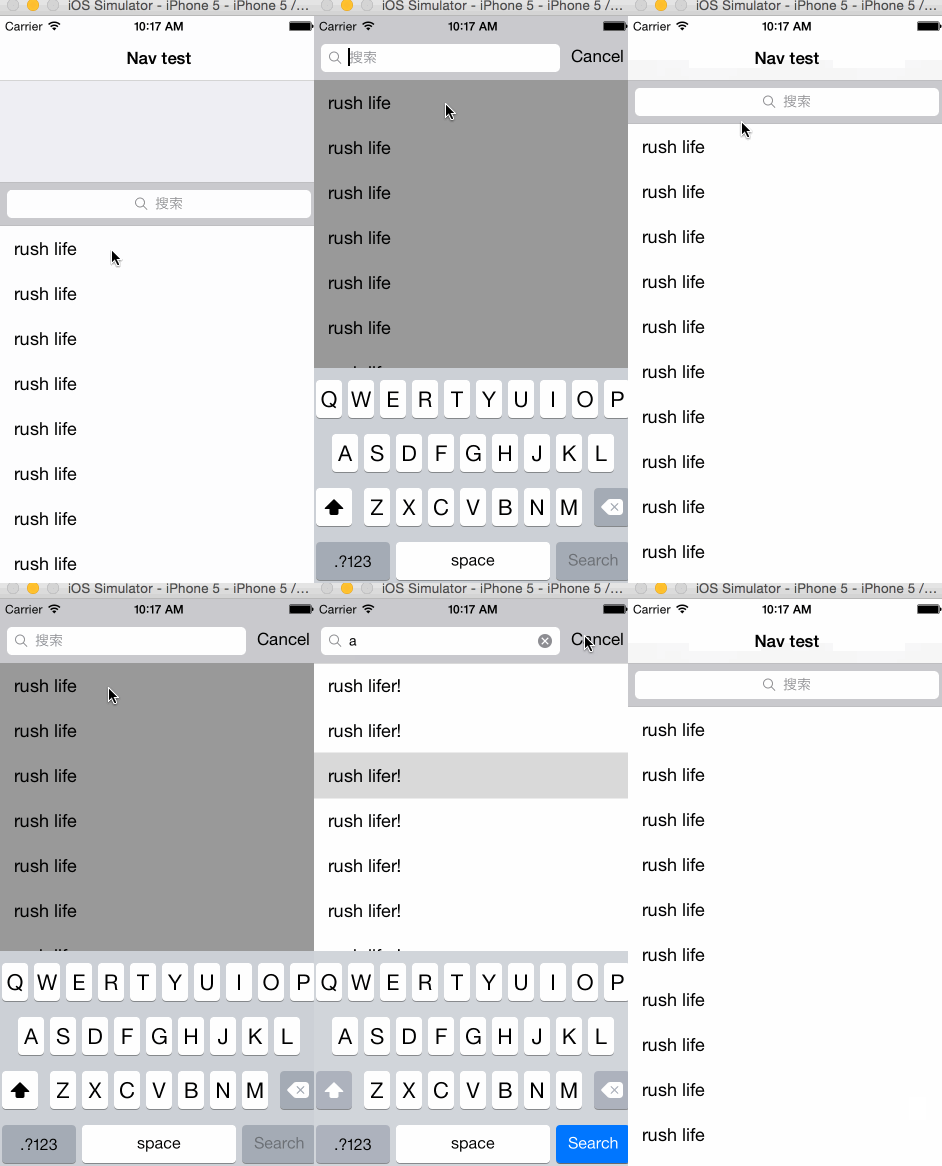
github地址
https://github.com/kingundertree/UISearchDisplayControllerDemo
https://github.com/kingundertree/UISearchDisplayControllerDemo
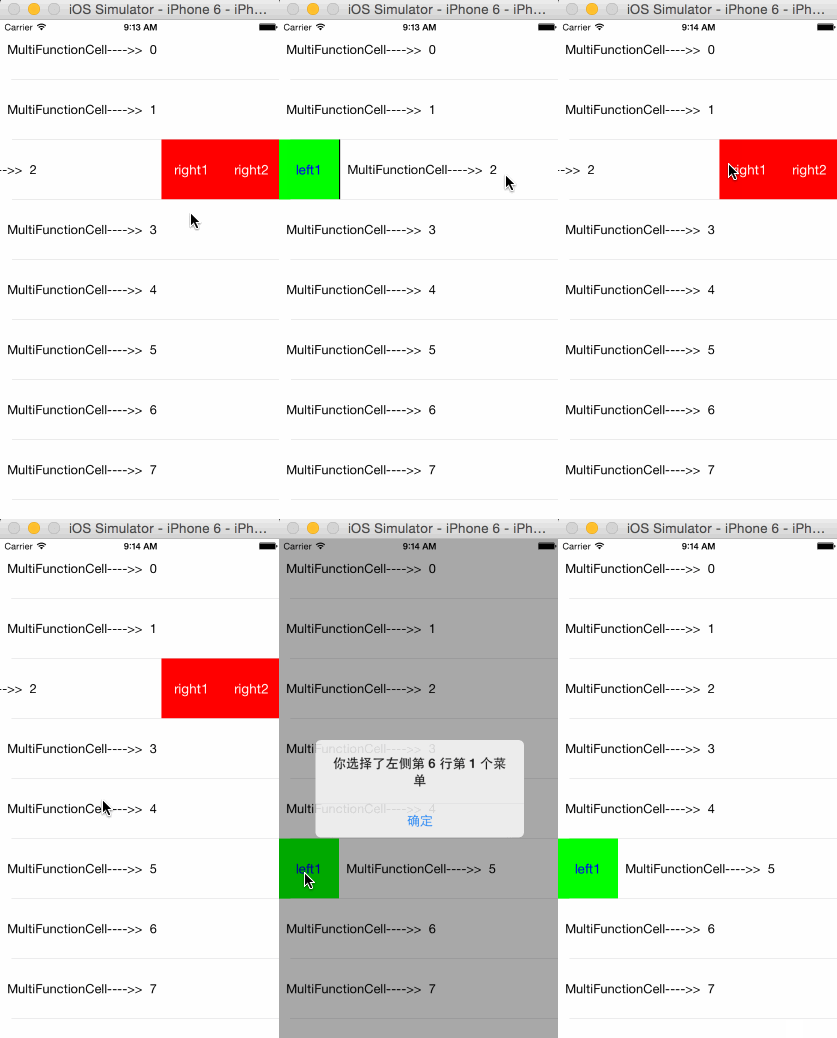
https://github.com/kingundertree/MultiFunctionCell
继承MultiFunctionTableView
self.tableList = [[MultiFunctionTableView alloc] initWithFrame:self.view.bounds style:UITableViewStylePlain];
self.tableList.delegate = self;
self.tableList.dataSource = self;
self.tableList.rowHeight = 80;
[self.view addSubview:self.tableList];
Datasource的cellForRow方法中实现
HomeViewCell继承MultiFunctionCell即可,并设置cell.cellActionDelegate = self.tableList即可。其他都不用care了
- (UITableViewCell *)tableView:(UITableView *)tableView cellForRowAtIndexPath:(NSIndexPath *)indexPath{
    static NSString *cellIdentify = @"cell";
    HomeViewCell *cell = [tableView dequeueReusableCellWithIdentifier:cellIdentify];
    if (!cell) {
        cell = [[HomeViewCell alloc] initWithStyle:UITableViewCellStyleDefault
                                   reuseIdentifier:cellIdentify
                               containingTableView:tableView
                                leftUtilityButtons:@[@"left1"]
                               rightUtilityButtons:@[@"right1",@"right2"]];
        cell.cellActionDelegate = self.tableList;
        [cell configCell:nil index:indexPath];
    }


    return cell;
}
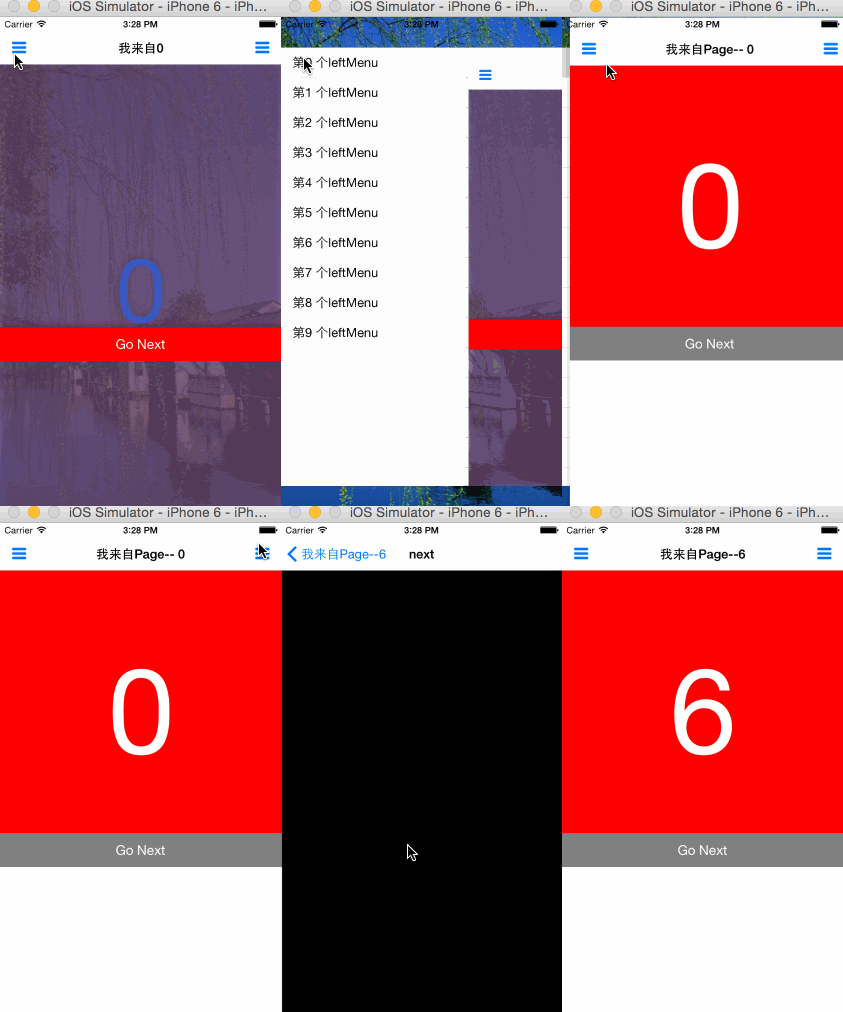
https://github.com/kingundertree/XXMenuDemo
左右滑动,显示左侧菜单。这种交互在2014年比较火,我最喜欢的实现效果是华住app。不过后台他也改成tab结构。
这个Demo实在左侧菜单的基础上,增加为支持左右侧菜单。并且支持主视图缩放效果。
后面还附上swift版本github项目。
主要基于手势控制,以及缩放动画实现。再以及工程的设计思路。
并且添加的手势滑动返回功能,见:http://kingundertree.github.io/2015/04/24/手势滑动返回/
目前,所有功能都已经集成到XXMenuViewController中,需要定制XXLeftMenuView、XXRightMenuView。
1.初始化
在AppDelegate中add主视图XXMenuVC,并设置XXMenuVC为变量
XXMainViewController *mainVC = [[XXMainViewController alloc] init];
PushBackNavigationController *nav = [[PushBackNavigationController alloc] initWithRootViewController:mainVC];
if (SYSTEM_VERSION_LESS_THAN(@"7.0")) {
    [[UIApplication sharedApplication] setStatusBarHidden:TRUE];
}
XXMenuVC = [[XXMenuViewController alloc] initWithRootVC:nav];
if (SYSTEM_VERSION_LESS_THAN(@"7.0")) {
    [[UIApplication sharedApplication] setStatusBarHidden:NO];
}

self.window.rootViewController = XXMenuVC;
2.设置左右菜单view
 leftMenuView = [[XXLeftMenuView alloc] initWithFrame:frame];
 rightMenuView = [[XXRightMenuView alloc] initWithFrame:frame];
3.显示隐藏左右菜单
- (void)showMenu:(BOOL)isLeftMenu;
4.设置初始化主视图
- (id)initWithRootVC:(UIViewController *)controller
5.左右菜单的操作事件,替换主视图
- (void)replaceRootVC:(UIViewController *)replaceVC isFromLeft:
6.XXMenuVC
主视图的所有交互通过XXMenuVC实现
[XXAppDelegate sharedAppDelegate].XXMenuVC
xcode6.3 编译正常通过
只实现主要功能,包括手势控制和左右菜单显示和隐藏
https://github.com/kingundertree/XXMenuBySwiftDemo
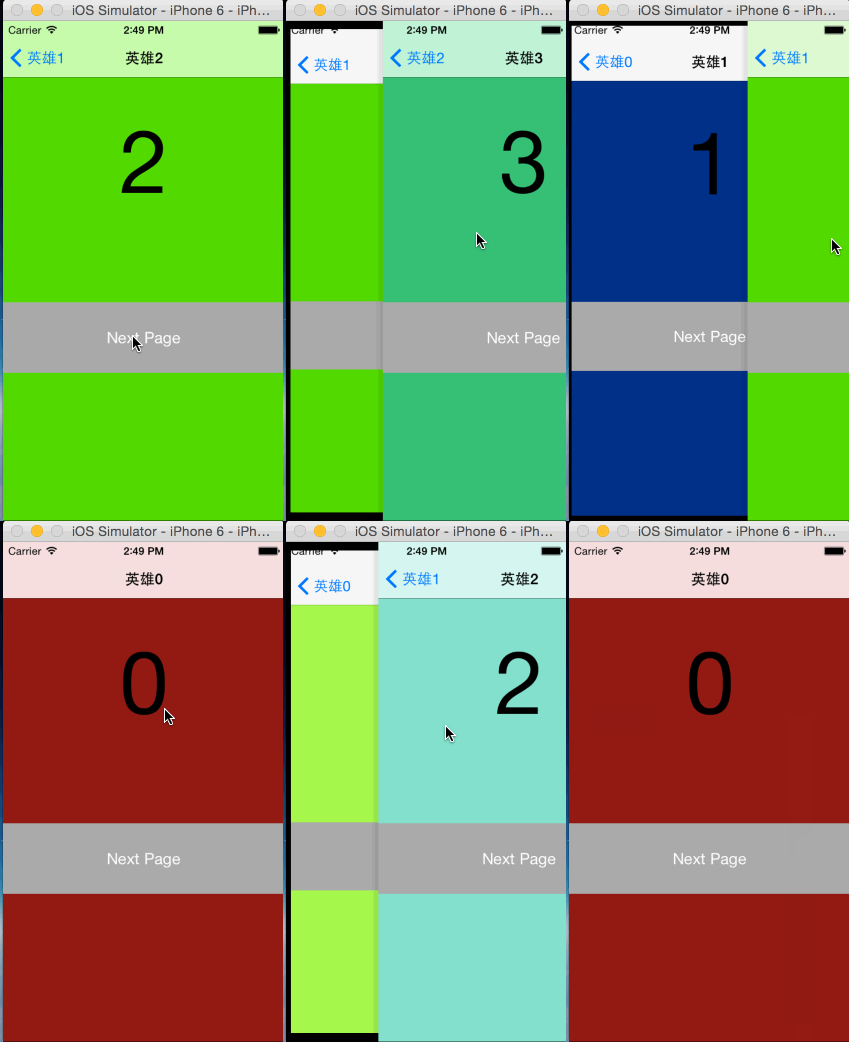
https://github.com/kingundertree/pushBackDemo
1.继承PushBackNavgationController
PushBackNavigationController *nav = [[PushBackNavigationController alloc] initWithRootViewController:MVC];
self.window.rootViewController = nav;
2.设置手势滑动效果,支持背景缩放和平滑
typedef enum {
    CaptureTypeWithView = 0,
    CaptureTypeWithWindow
}CaptureType; //截图区域选择
3.禁用某个页面手势
在需要控制的viewController,引入pushBackLock
[pushBackLock setDisableGestureForBack:self.navgationgationController disable:YES]
如果禁用所有手势,则不继承PushBackNavgationController即可
见iOS7 系统自带原生手势滑动返回,但是控制区域在左侧10px位置,本demo支持viewController全部区域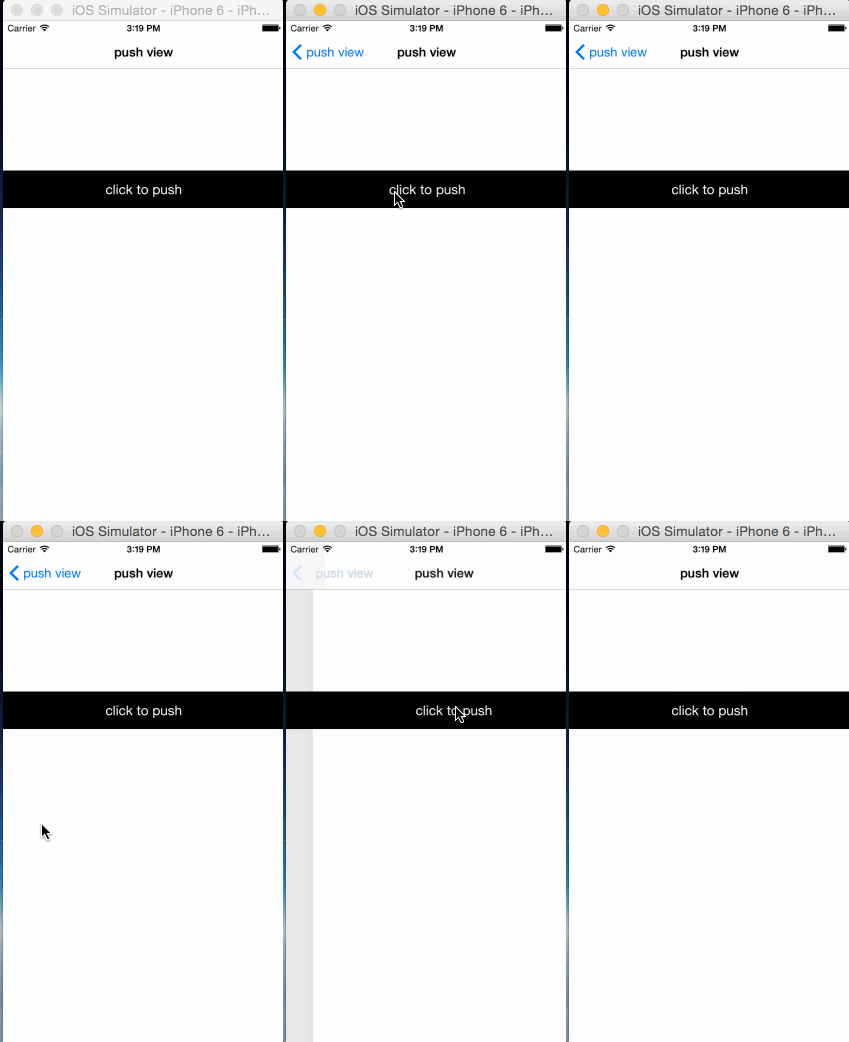
https://github.com/kingundertree/ExtensionNavGesForiOS7
见iOS7 系统自带原生手势滑动返回,但是控制区域在左侧10px位置,本demo支持viewController全部区域
https://github.com/kingundertree/TransitionPopForiOS7-
效果同上,采用swift语言重新实现。